

Connect Wallet#
Follow the steps to connect a wallet to PWRDAO:
Step 1: Go to Section#
Go to the PWRDAO App.
Step 2: Connect Wallet#
- In the page header, click Connect wallet. The Connect wallet window will open.
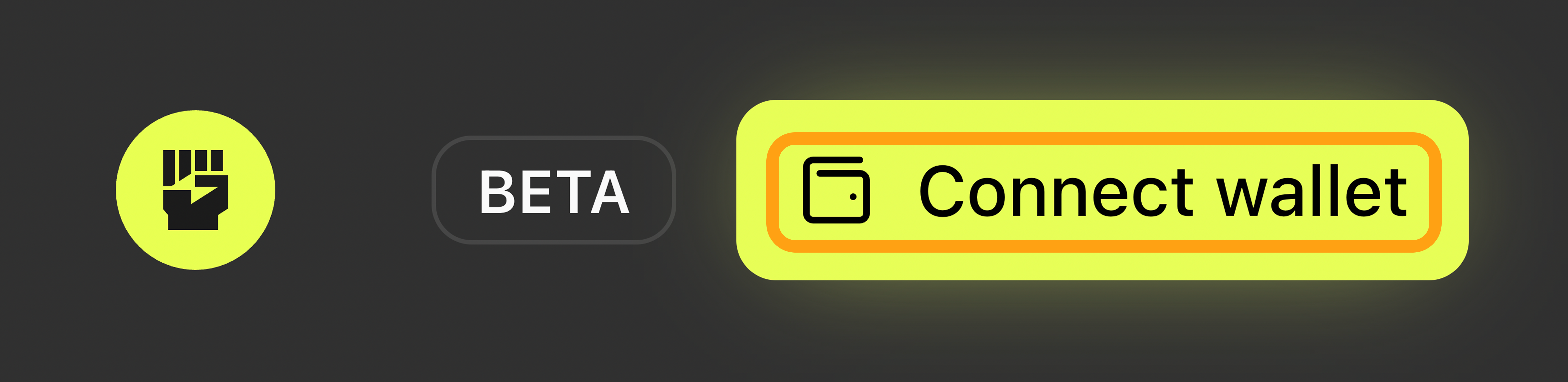
The “Connect wallet” button
- In the Connect wallet window:
-
Click the I accept the terms & conditions checkbox.
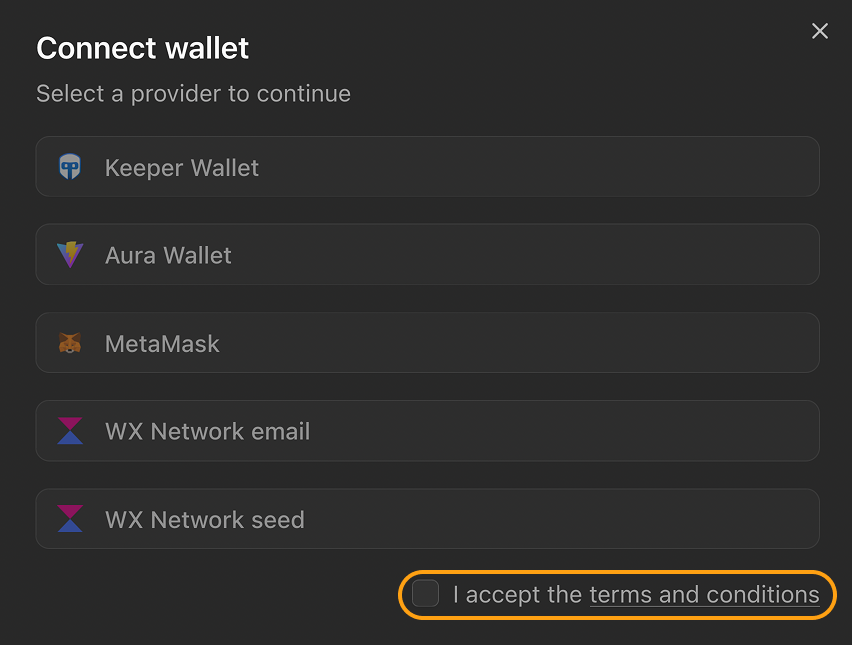
The “I accept the terms and conditions” checkbox
-
Select a supported wallet connection method.
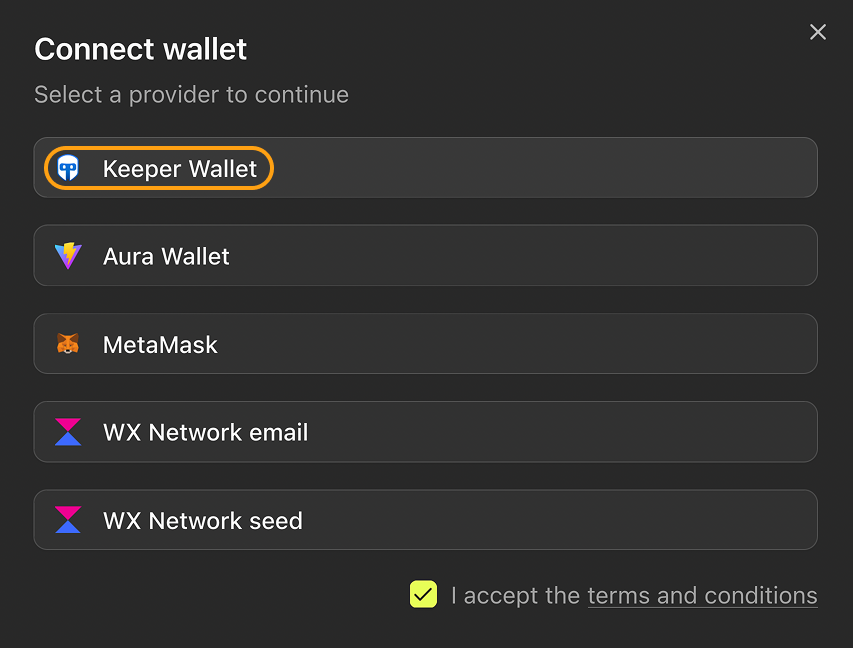
Example of a wallet connection method selected
-