

Invest in Child DAO#
Invest in a Child DAO by following the steps:
- Step 1: Go to Child DAO.
- Step 2: Study Child DAO.
- Step 3: Specify Investment Parameters.
- Step 4: Invest in Child DAO.
Prerequisites#
The prerequisites to invest in a Child DAO:
- Connect Wallet.
- Get at least 0.005 WAVES.
Step 1: Go to Child DAO#
- Go to the DAOs > Campaigns page.
- Click a Child DAO you want to invest in. The page with the DAO's details will open.
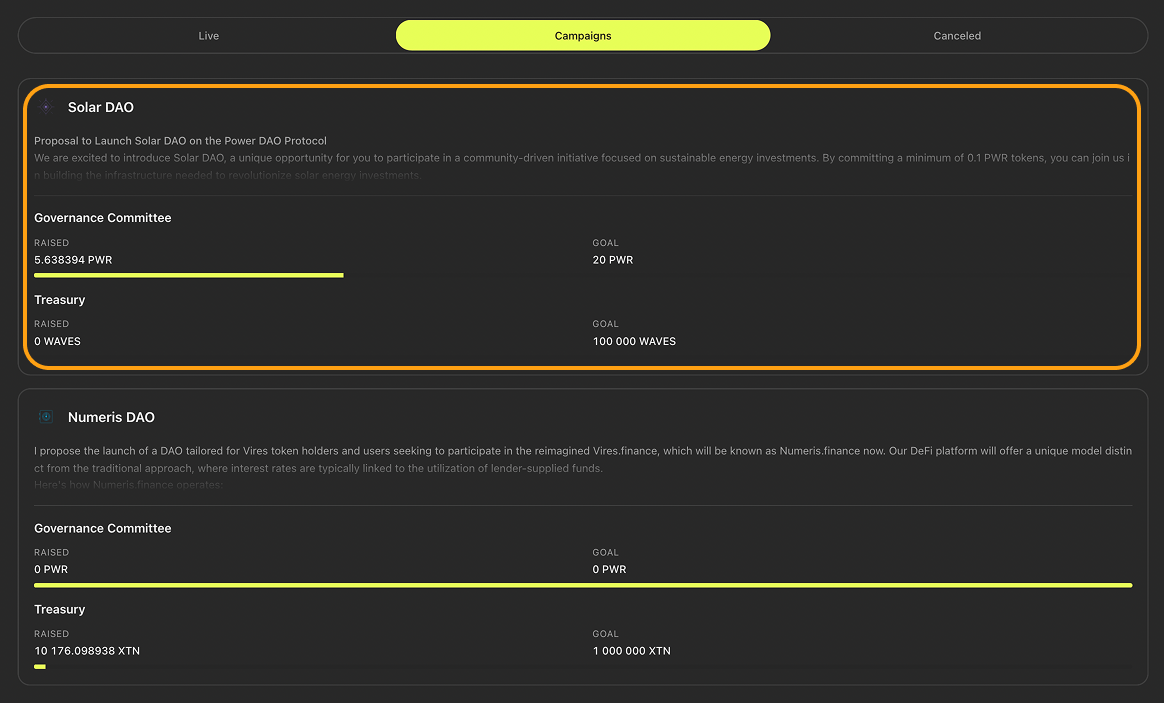
Mouse hovered over an example Child DAO
Step 2: Study Child DAO#
On the page with the DAO's details, review the following:
- DAO description in the Overview block.
- Treasury and initiator addresses in the Details block.
- Funding progress in the Campaign Targets block.
Step 3: Specify Investment Parameters#
- In the Round <ROUND_NUMBER> Ongoing block, click $ Invest. The Invest in DAO window will open.

The “$ Invest” button in the “Round <ROUND_NUMBER> Ongoing” block
-
In the Invest in DAO window:
- In the Amount to Invest block, enter the token amount you want to invest.
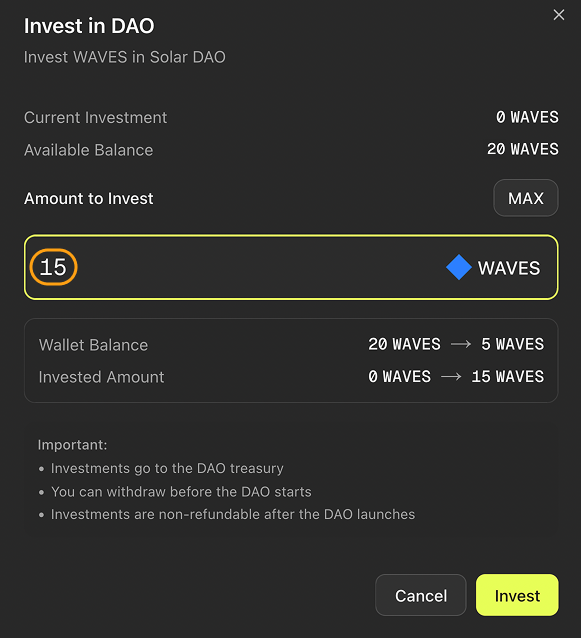
Token amount entered in the “Amount to Invest” block
- Optional. Click MAX to invest all investment tokens available in your wallet.
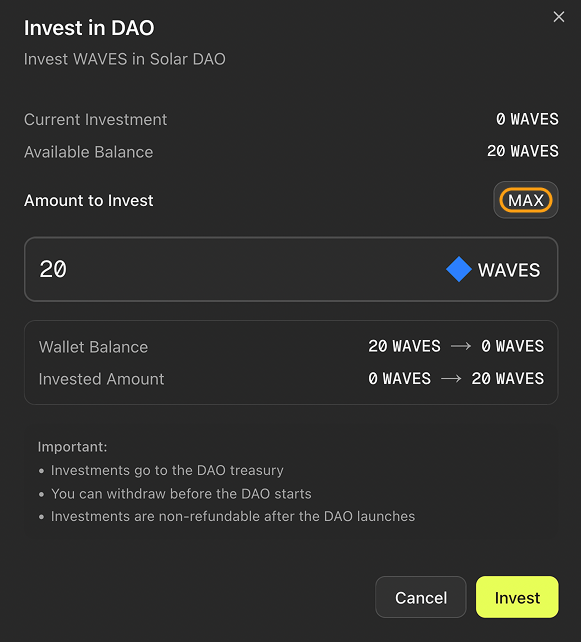
The “MAX” button
Step 4: Invest in Child DAO#
- In Invest in DAO window, click Invest. Your wallet extension will open.
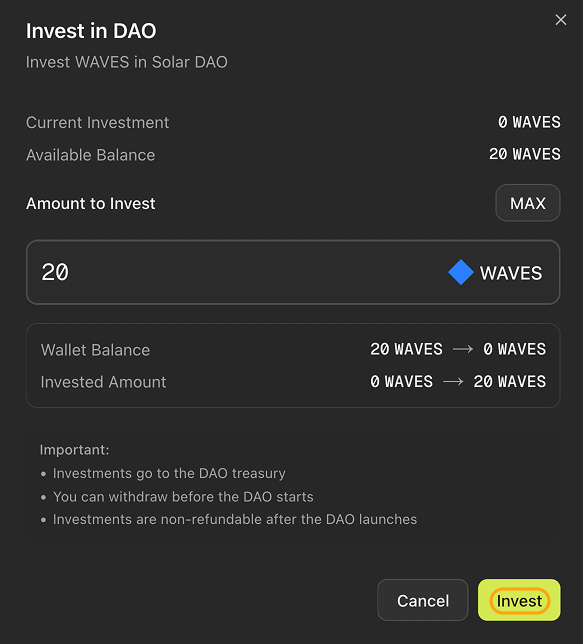
The “Invest” button
- In your wallet extension, confirm the transaction.