

Create Child DAO#
Create your Child DAO by following the steps:
- Step 1: Go to Section.
- Step 2: Enter DAO Campaign Name & Description.
- Step 3: Enter Committee Power Parameters.
- Step 4: Enter Investment Parameters.
- Step 5: Enter Treasury Address.
- Step 6: Start Campaign.
Prerequisites#
The prerequisites to create a Child DAO:
- Connect Wallet.
- Get at least:
- 5 PWR tokens.
- 0.005 WAVES.
- Stake at least 5 PWR.
Step 1: Go to Section#
- Go to the DAOs page.
- Click + Start campaign. The Start a DAO Campaign page will open.

The “+ Start campaign” button
Step 2: Enter DAO Campaign Name & Description#
On the Start a DAO Campaign page:
- In the DAO Campaign Name block, enter your DAO's title.
- In the Description block, enter your DAO's description.
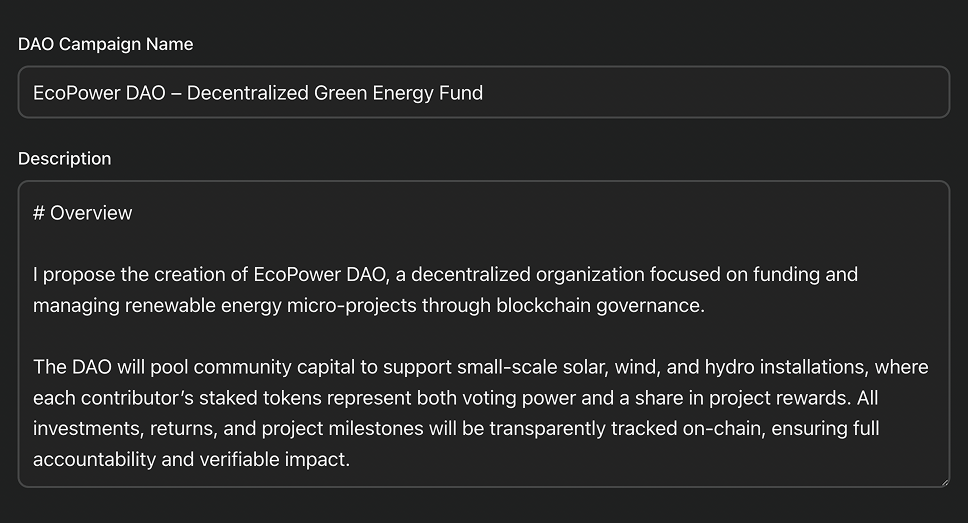
DAO's campaign name and description entered
Step 3: Enter Committee Power Parameters#
In the Committee Power block:
- In the Committee power goal block, enter the PWR amount you want users to commit.
- Optional. In the Maximum committee power block, enter the maximum PWR amount allowed to be committed.
- In the Minimal commitment block, enter the minimum PWR amount allowed to be committed.
- In the Lock time (days) block, enter the number of blocks during which the committed PWR tokens will be locked. The block will display the lock time corresponding to the number of blocks entered.
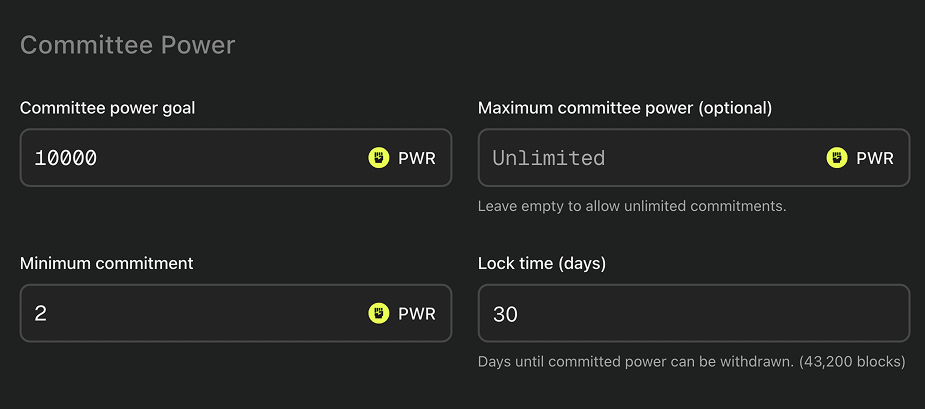
Committee power parameters entered
Step 4: Enter Investment Parameters#
In the Investments block:
- From the Investment token drop-down, select investment token type:
- WAVES.
- XTN.
- UNIT0.
- USDT-PPT.
- Custom.
- Conditional. If the Custom option is selected, enter a token ID in the Custom token asset ID block.
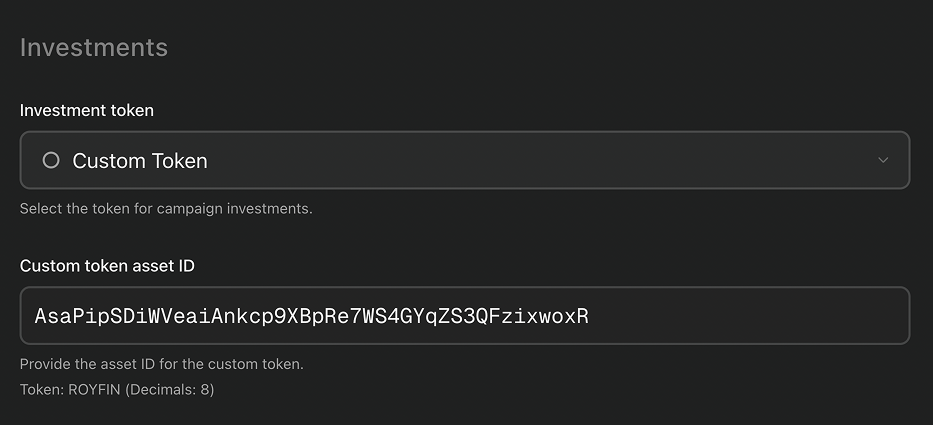
The “Investment” block with custom token details selected
- In the Investment goal block, enter the investment token amount you want to raise.
- Optional. In the Maximum investments block, enter a cap on the total investment token amount you want to receive.
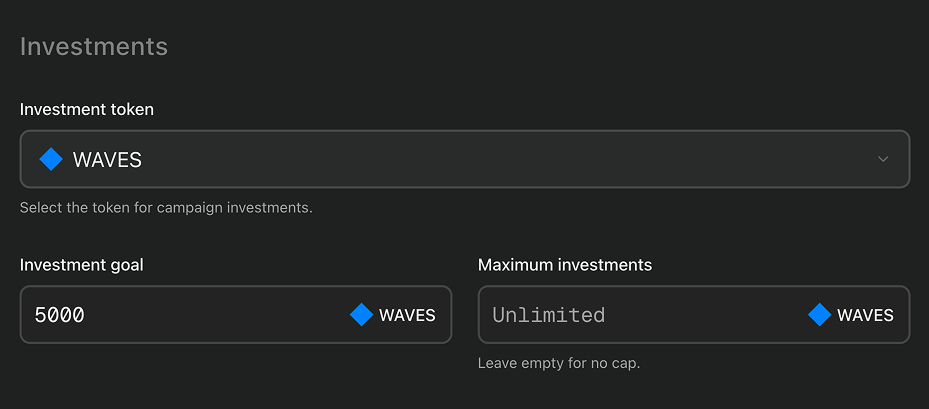
Investment parameters selected
Step 5: Enter Treasury Address#
In the Treasury block:
- In the Treasury address block, enter a wallet address where you want to receive investments.
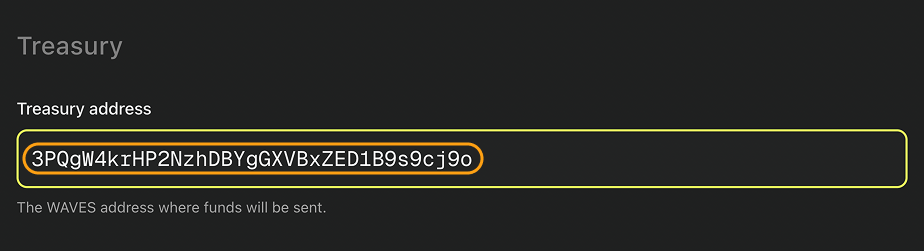
Treasury address entered
Step 6: Start Campaign#
- Click Start campaign. Your wallet extension will open.
The “Start campaign” button
- In your wallet extension, confirm the transaction.